
Airbnb Noise Monitoring Device Guide: Protect Your Rental Without Violating Privacy
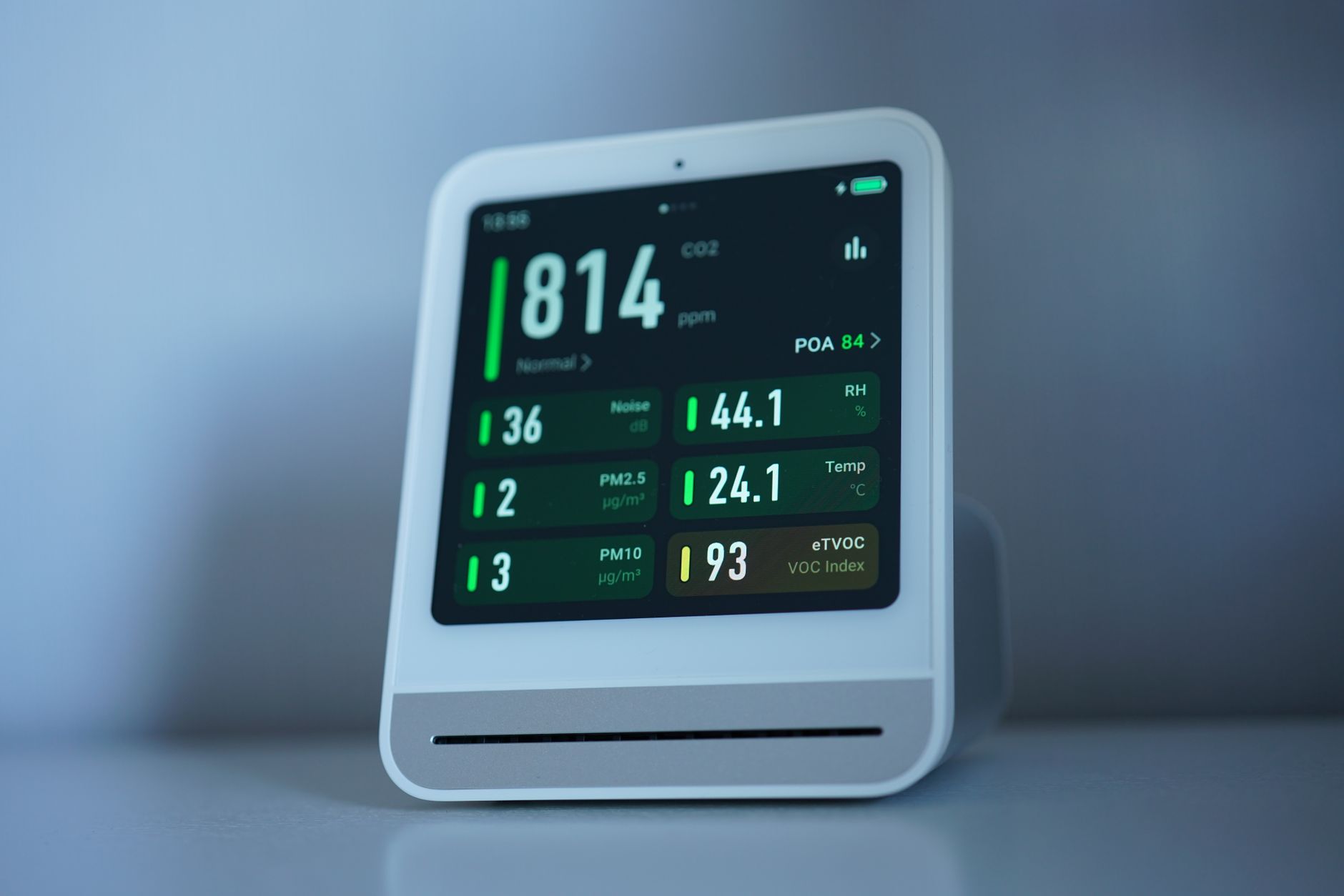
Party complaints are surging in 2026. With Airbnb’s updated anti-party technology now flagging high-risk bookings automatically, neighbors and city councils are watching short-term rentals more closely than ever. One noise complaint can trigger a fine, a suspended permit, or a scathing review that tanks your listing. That’s exactly why this Airbnb noise monitoring device guide exists — to help you protect your property, stay compliant with privacy laws, and keep your neighbors happy without turning your rental into a surveillance state.
Noise monitoring devices have become the gold standard for responsible hosts. Unlike cameras (which are banned indoors), these devices measure decibel levels without recording conversations. They’re legal, Airbnb-approved, and surprisingly affordable. Let’s break down everything you need to know.
Why Every Host Needs a Noise Monitoring Strategy in 2026
The short-term rental landscape has shifted. Cities like Austin, Scottsdale, and Nashville now require noise monitoring as part of STR permit applications. Even where it’s not mandated, the financial case is compelling.
A single unauthorized party can cost you $5,000 to $50,000 in damages, according to Airbnb’s own AirCover claims data. Beyond property damage, you’re looking at potential HOA fines, neighbor disputes, and the risk of losing your operating license in regulated markets.
Noise monitors act as an early warning system. They alert you when decibel levels spike — typically above 70-80 dB sustained for more than a few minutes — giving you time to intervene before things escalate. Most guests never trigger an alert. But when someone does, you’ll know within minutes instead of discovering the damage at checkout.
How Noise Monitoring Devices Actually Work (And Why They’re Privacy-Safe)
The biggest concern guests have is privacy. Fair enough. Nobody wants their conversations recorded on vacation. Here’s the key distinction: noise monitors measure sound levels, not sound content.
These devices use a microphone to detect decibel readings, but they don’t store or transmit audio. Think of it like a thermometer for sound — it tells you how loud it is, not what’s being said. Leading devices like Minut, NoiseAware, and Roomonitor are explicitly designed to comply with privacy laws in the US, UK, and EU.
Airbnb’s own policy permits noise monitoring devices as long as you disclose them in your listing. The platform even partnered with Minut in previous years to offer discounts to hosts. The critical rules:
- Disclose the device in your listing description and house rules
- Never record audio — only use devices that measure decibels
- Don’t place them in private spaces like bedrooms or bathrooms (stick to living areas and outdoor patios)
Transparency is your friend here. Most guests appreciate knowing you take property care seriously.
Choosing the Right Device: Features That Matter
Not all noise monitors are created equal. After testing multiple devices across our own properties and surveying host communities, here’s what actually matters:
Real-time alerts: You need notifications within 1-2 minutes of a threshold breach. Delayed alerts defeat the purpose. Look for devices that send push notifications, SMS, or integrate with your property management software.
Battery life vs. hardwired: Battery-powered units offer flexibility but require maintenance. Hardwired devices (like Minut’s latest generation) eliminate battery anxiety but limit placement options. For most hosts, a hybrid approach works — hardwired in main areas, battery units for outdoor spaces.
Additional sensors: Premium devices now include temperature, humidity, motion detection, and even cigarette smoke detection. These extras can justify the cost if you’re managing multiple properties remotely.
Integration capabilities: Does it connect with your smart lock, thermostat, or PMS? Devices that trigger automated responses — like sending a polite message when noise spikes — save you from awkward 2 AM phone calls.
Top contenders in 2026 include Minut (best all-around, $129-$199 per unit), NoiseAware (industry veteran, strong outdoor sensors), and Roomonitor (popular in Europe, excellent Airbnb integration). Budget options exist, but reliability matters more than saving $50 when a party is brewing.
Setting Up Your Noise Monitor for Maximum Effectiveness
Placement and configuration make or break your noise monitoring strategy. Here’s how to get it right:
Location matters: Install your primary device in the main living area — typically the living room or open-concept kitchen. This is where parties naturally congregate. If you have a backyard or patio, add an outdoor-rated sensor there. Avoid bedrooms and bathrooms entirely.
Set realistic thresholds: Most devices default to 70-75 dB for sustained periods (5-10 minutes). That’s roughly the volume of a vacuum cleaner or loud conversation. Adjust based on your property type — a downtown loft might tolerate higher baseline noise than a quiet suburban neighborhood.
Configure smart alerts: Set up a tiered response system:
- Level 1 (75 dB for 5+ minutes): Automated polite message to guest
- Level 2 (80 dB for 10+ minutes): Direct text or call from you
- Level 3 (85+ dB sustained): Immediate intervention, potentially involving local authorities or Airbnb support
Test before guests arrive: Run a test with music or loud TV to ensure alerts trigger properly. Nothing’s worse than discovering your device wasn’t connected during an actual incident.
Document everything: If you need to file an AirCover claim or dispute a review, timestamped noise logs are invaluable evidence. Most devices store 30-90 days of historical data.
Handling Noise Alerts Like a Pro (Without Ruining the Guest Experience)
Getting an alert doesn’t mean you should panic. Most noise spikes are innocent — a movie night, kids playing, or a lively dinner. Your response should match the severity.
For minor breaches, an automated message works wonders: “Hi [Guest Name], our noise monitor detected elevated sound levels. Just a friendly reminder to keep noise down after 10 PM per our house rules. Thanks for understanding!”
This approach resolves 80% of situations without any awkwardness. Guests often don’t realize how loud they’re being.
For sustained or severe alerts, escalate quickly. Call the guest directly. If they don’t answer or the noise continues, you have options:
- Contact Airbnb’s 24/7 support to document the issue
- Send a local co-host or property manager to check in
- In extreme cases, involve local police for a noise complaint
Pro tip: Frame your monitoring as a neighborhood courtesy in your welcome book. Guests respond better when they understand you’re protecting the community, not spying on them.
Conclusion: Your Next Steps for Smarter Noise Management
This Airbnb noise monitoring device guide should give you a clear roadmap for protecting your property in 2026. The hosts who thrive long-term aren’t the ones who avoid problems — they’re the ones who prevent them.
Start by choosing a device that fits your budget and property layout. Disclose it transparently in your listing. Set up tiered alerts that give guests a chance to self-correct before you intervene. And most importantly, use the data to refine your guest screening and house rules over time.
Noise monitoring isn’t about distrust — it’s about creating a sustainable hosting business that respects guests, neighbors, and your investment. With party-related incidents rising and regulations tightening, the question isn’t whether you can afford a noise monitor. It’s whether you can afford to host without one.
Ready to upgrade your hosting setup? Pick a device, install it this week, and sleep better knowing your property is protected.