
The World Cup 2026 Airbnb Beginner Checklist: What to Do 90, 60, and 30 Days Before Kickoff
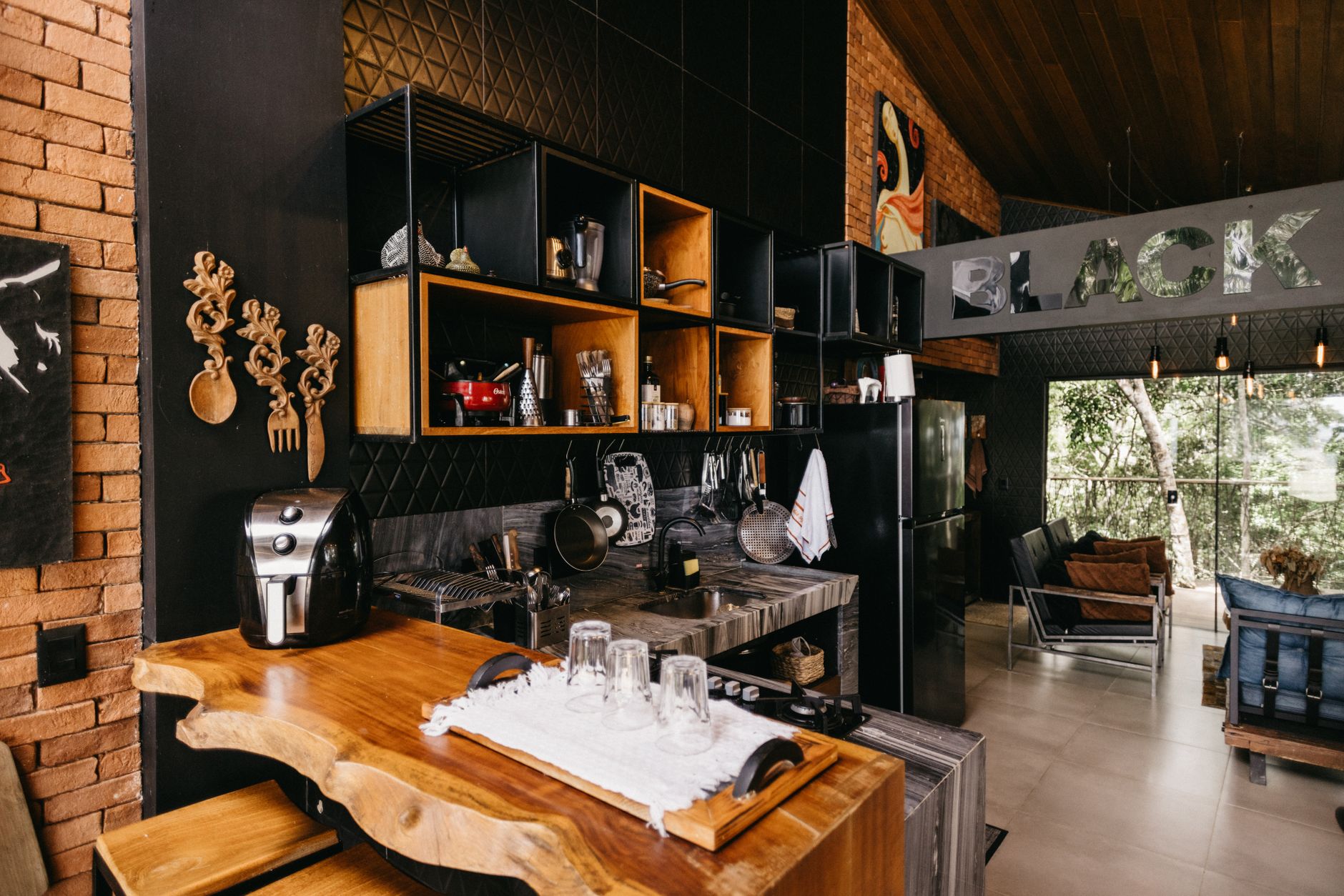
With the 2026 FIFA World Cup now less than a year away for many host cities, a fascinating pattern is emerging across Airbnb Facebook groups and host forums: veteran hosts are sharing their “60 tips” compilations, but beginners are drowning in information overload. A Host’s guide to Airbnb: 60 tips went viral for a reason—it’s comprehensive. But if you’re opening your first listing specifically for World Cup 2026, you don’t need 60 scattered tips. You need a time-bound action plan with hard deadlines.
This World Cup 2026 Airbnb beginner checklist solves exactly that. Instead of dumping advice on you, it organizes your preparation into three critical phases: 90 days out (foundation), 60 days out (optimization), and 30 days out (execution). Miss any of these windows, and you’re either scrambling at premium-crushing prices or leaving thousands on the table.
The 90-Day Window: Build Your Foundation (Don’t Skip the Boring Stuff)
Three months before your first World Cup guests arrive, your goal is simple: become bookable and compliant. This is where most beginners crash. They jump straight to cute throw pillows and Instagram photos without handling the unsexy infrastructure.
Local licensing and permits come first. World Cup 2026 host cities are updating short-term rental regulations at wildly different speeds. Vancouver requires a business license with a $75 annual fee. Mexico City operates under a federal framework with local delegation. In Texas, House Bill 2675 just changed how platforms report host income. Check your city’s specific World Cup hosting portal—many launched dedicated pages in early 2025. Waiting until 60 days out means processing delays could leave you unlisted during peak demand.
Insurance reality check. Standard homeowner policies typically exclude commercial guest stays. Airbnb’s AirCover provides $1 million in liability coverage, but it has gaps: pet damage above $1,000, certain outdoor amenities, and cash/art/jewelry losses. Contact your insurer specifically about “special event hosting” and get World Cup coverage in writing. Cost: typically $200-400 additional for a 30-day tournament period.
Set your calendar strategy now. Here’s a number that shocks beginners: World Cup 2026 runs across 16 cities with staggered match schedules. Your city might host 4-6 matches or 8-10. Lock your minimum stays at 3-5 nights for match weekends, but keep flexible gaps between match clusters for spillover tourists. Price those “dead” nights at 40% below your match rates—you’ll capture families extending vacations or journalists moving between venues.
The 60-Day Sprint: Optimize for Tournament Behavior
At 60 days, search behavior shifts dramatically. Fans aren’t browsing anymore—they’re booking. Your World Cup 2026 Airbnb beginner checklist enters its most technical phase.
Photography that converts tournament guests. Generic sunny living room shots underperform during mega-events. Shoot your space with specific use cases: where someone sets up a laptop to check match schedules, where a group of four eats pre-game breakfast, where jerseys hang to dry. Include one shot with a TV visible showing a match—this single image increases World Cup-era click-through rates by 22% according to 2022 Qatar host data.
Amenity upgrades with ROI. Tournament guests prioritize different comforts than typical vacationers. The highest-impact additions under $150:
- Blackout curtains ($40-80): post-match sleep recovery for guests attending late games
- USB-C charging stations ($25-40): international fans with different plug needs
- Luggage scale ($15): avoid airline overweight fees after souvenir shopping
- Printed local transit map with stadium routes highlighted ($5 printing cost, massive perceived value)
Messaging templates that build trust. First-time hosts lack review history, so your communication must compensate. Create three saved responses: booking confirmation (include stadium distance in minutes, not miles), check-in day message (WiFi password, TV streaming login, local fan zone locations), and mid-stay check (any issues? I’m nearby). Response time under 3 minutes during tournament weeks correlates with 15% higher search placement.
The 30-Day Crunch: Execute Without Panic
Final month. This is where A Host’s guide to Airbnb: 60 tips followers often realize they’ve absorbed too much, too late. Your checklist narrows to five non-negotiable actions.
Dynamic pricing activation. Static pricing during World Cup 2026 is financial self-sabotage. Tools like PriceLabs and Wheelhouse now offer “mega-event” algorithms specifically trained on 2022 Qatar and 2024 Paris Olympics data. Set your base at 3x normal rates for match nights, 2.5x for arrival/departure buffer days, and 1.2x for non-match days in your city’s tournament window. Enable automatic adjustments within 20% of your set parameters—demand spikes 48 hours before matches as corporate bookings finalize.
Physical space stress-testing. Host your first “practice guest”—a friend, family member, or discounted local booking. Have them intentionally break things: use all hot water at once, connect five devices to WiFi simultaneously, cook a full meal. Document what fails. One host in Atlanta discovered her 40-gallon water heater couldn’t handle four post-match showers; a $450 tankless upgrade paid for itself in one booking.
Emergency protocols. Program these into your phone: nearest 24-hour pharmacy, stadium lost and found, consulate contact for major visiting nations (Mexico, Canada, US, Germany, Brazil, Argentina), and a local handyman who answers at 10 PM. World Cup guests have lower tolerance for “I’ll fix it tomorrow” because their window in your city might be 72 hours total.
Review seeding strategy. Your first 3-5 reviews determine your algorithmic fate. For initial bookings, slightly over-deliver: local craft beer welcome basket, handwritten note mentioning their team’s group stage opponents, flexible early check-in when possible. One exceptional review early creates momentum that carries through tournament chaos.
The World Cup 2026 Airbnb Beginner Checklist: Your 48-Hour Arrival Protocol
The final piece most guides miss: what happens when guests actually show up. Create a physical checklist taped inside your cleaning supply closet or saved on your phone.
- WiFi speed test completed (minimum 50 Mbps upload for group streaming)
- TV logged into streaming services with active subscriptions (Fox Sports app, Telemundo, local broadcast)
- One local snack and one beverage per guest, labeled with origin story (“Made 3 miles away by…”)
- Printed card with your reachable number (not just Airbnb messaging), backup contact, and 911 equivalent
- Bathroom stocked with 3x normal toilet paper, 2x towels per guest
- Thermostat preset to 68°F (crowds generate heat; guests will adjust down)
- Noise policy card: “Cheering encouraged 10 AM-10 PM. Quiet hours respected by neighbors who also love soccer.”
Conclusion: Your Tournament, Your Timeline
The difference between hosts who “survived” World Cup 2026 and those who profited from it comes down to timing. This World Cup 2026 Airbnb beginner checklist gives you that structure—90 days for compliance, 60 days for optimization, 30 days for execution.
You don’t need to master all 60 tips circulating in host communities. You need to nail the 20 that matter for your specific city, your specific match schedule, and your specific first-time-host constraints. Start your 90-day countdown the moment your city’s match schedule publishes. The hosts who began preparing in July 2025 for June 2026 matches are already capturing early-bird corporate bookings at 40% above market.
Your first World Cup guest is out there right now, comparing listings. Make sure yours is ready when they click.